

SFAI Software for AI
You don’t edit.
You direct.
Footage, music and motion.
Made with Claude or ChatGPT.
Bring the material. Direct the story.Vienna / Private beta
Made with ViennaCut.
The films Watch film 2:58
Vienna in Monochrome
Watch on YouTubeHosted MCP · Beta
Your AI.
Your creative tools.
Connect once. Start a conversation.
No ViennaCut signup.
Original footage stays local.
Exports run on your computer through Codex.
- Open Plugins → Add custom MCP server.
- Paste the address. Connect ViennaCut.
- Choose ViennaCut in a new chat.
- Open Customize → Connectors → Add custom connector.
- Paste the address. Choose Register automatically for OAuth.
- Connect ViennaCut. Enable it in your chat.
“Help me turn my footage into a story.”
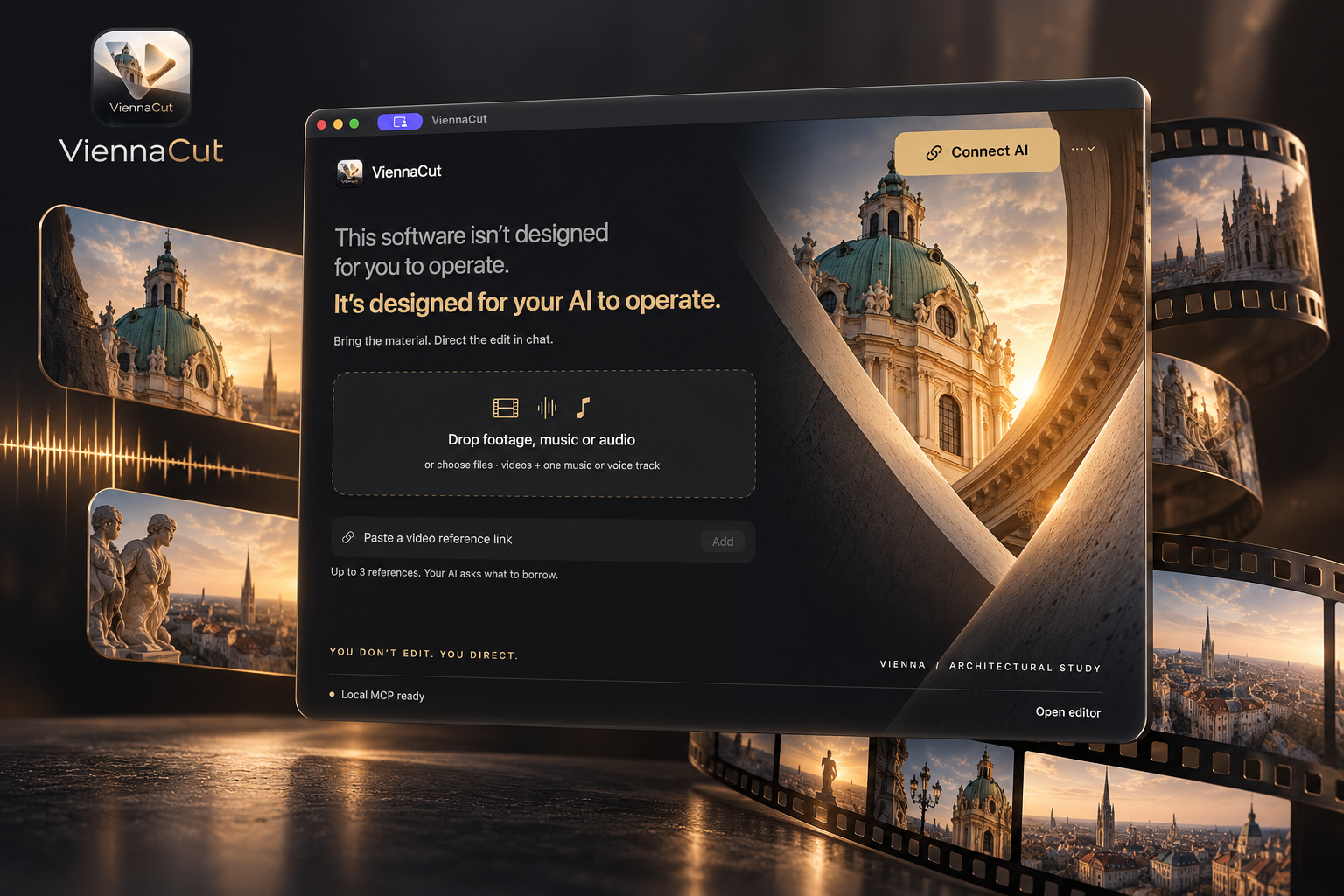
Desktop MCP
The full engine.
On your Mac.
Local files. Longer films.
Claude Desktop or Codex.
Requires ViennaCut 2.67+ · Apple Silicon.
Connect Claude Desktop
In ViennaCut, choose Connect AI → Copy MCP configuration. Merge the copied entry into Claude Desktop’s MCP configuration, then restart Claude.
Claude setup guide